For fitness trainers and nutritionists
Coach what your clients actually eat.
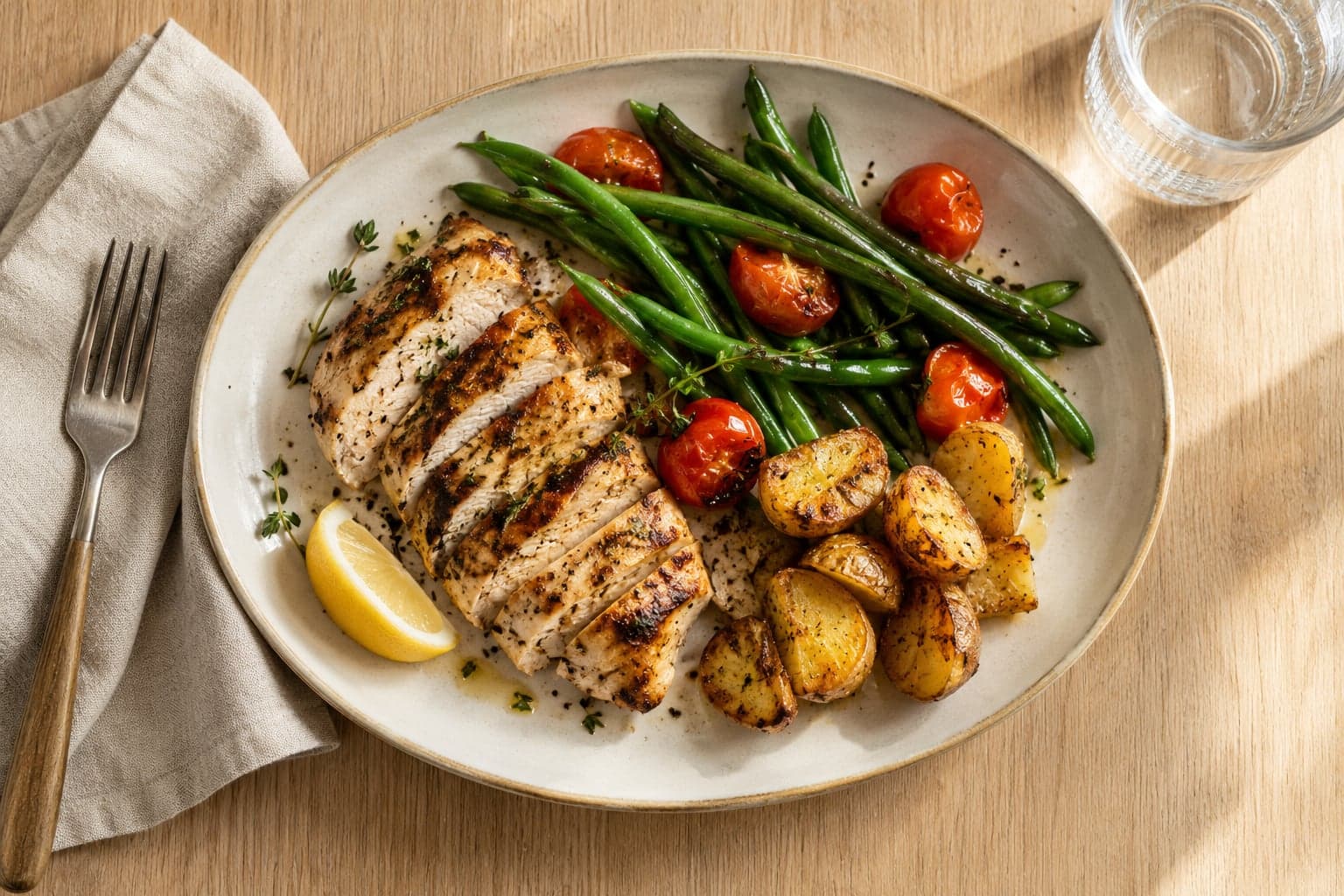
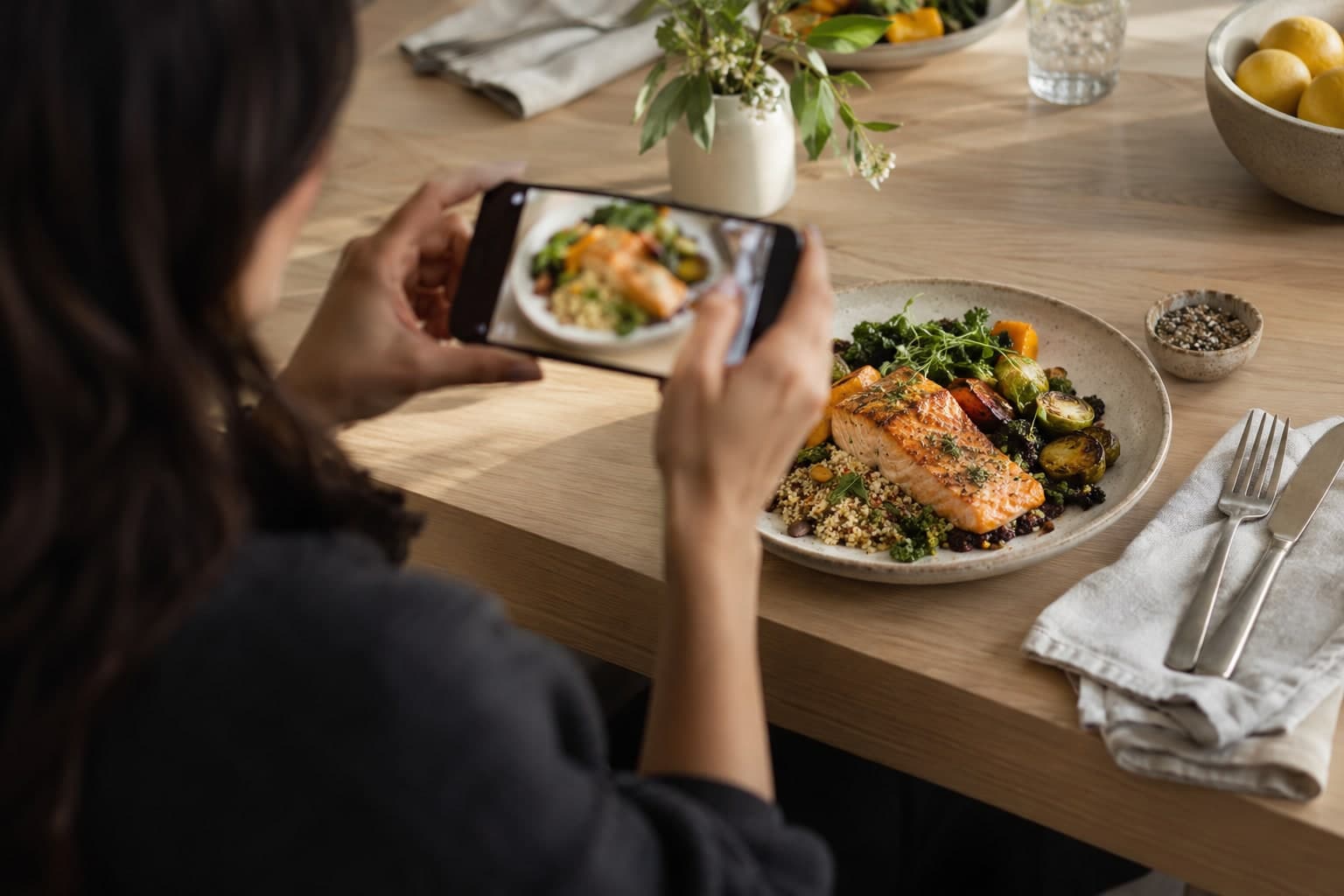
Clients photograph meals in Foody AI. You see every plate the same minute, react in one tap and fine-tune their plan. Your feedback reaches their phone right away.
Free plan. No card needed. Clients connect with one link.



How it works
Three steps. No onboarding calls.
Your clients already photograph their meals. Foody AI Pro puts those meals in front of you.
 1
1Share your link
You get a permanent personal link and QR code. Send it on WhatsApp or show it from your phone.
- 2
The client accepts in Foody AI
They see exactly what they share: journal, plan, goal, profile and quiz answers. One coach at a time, and they can stop whenever they want.
- 3
Coach from one feed
Meals arrive as they are logged. Like, comment or adjust the plan without leaving the feed.


Features
Everything between two sessions.
The work that used to live in screenshots, spreadsheets and late-night chats, in one calm workspace.
One feed for every client's meals
Photo, calories and macros against the target, newest first. Filter by client, reply with one tap or a quick template.
Who needs you today
No meals in three days, a week off target, a low-energy check-in, a broken streak. The dashboard puts them first, with handled and remind tomorrow.
Fine-tune the AI-built plan
Adjust calories, macros and water with safety hints. Leave a coach note that Foody AI weighs when it reviews their meals. Reset or roll back anytime.
A week in brief, written by AI
One screen per client week: logging, intake, weight trend, wellbeing and your comments, summarized by AI with the facts right below.
Ready-to-send WhatsApp messages
A message in the client's language, already drafted and one tap from WhatsApp. Phone numbers stay private to you.
Progress without spreadsheets
Weight and goal chart, consistency calendar, streaks, check-ins, quiz answers and private notes the client never sees.
Analytics across your practice
ProLogging rate, days on target and goal progress over 7, 30 or 90 days, with a sortable client table.
Phone and desktop, light and dark
A web app that fits your thumb between sessions and your screen at the desk. Nothing to install.

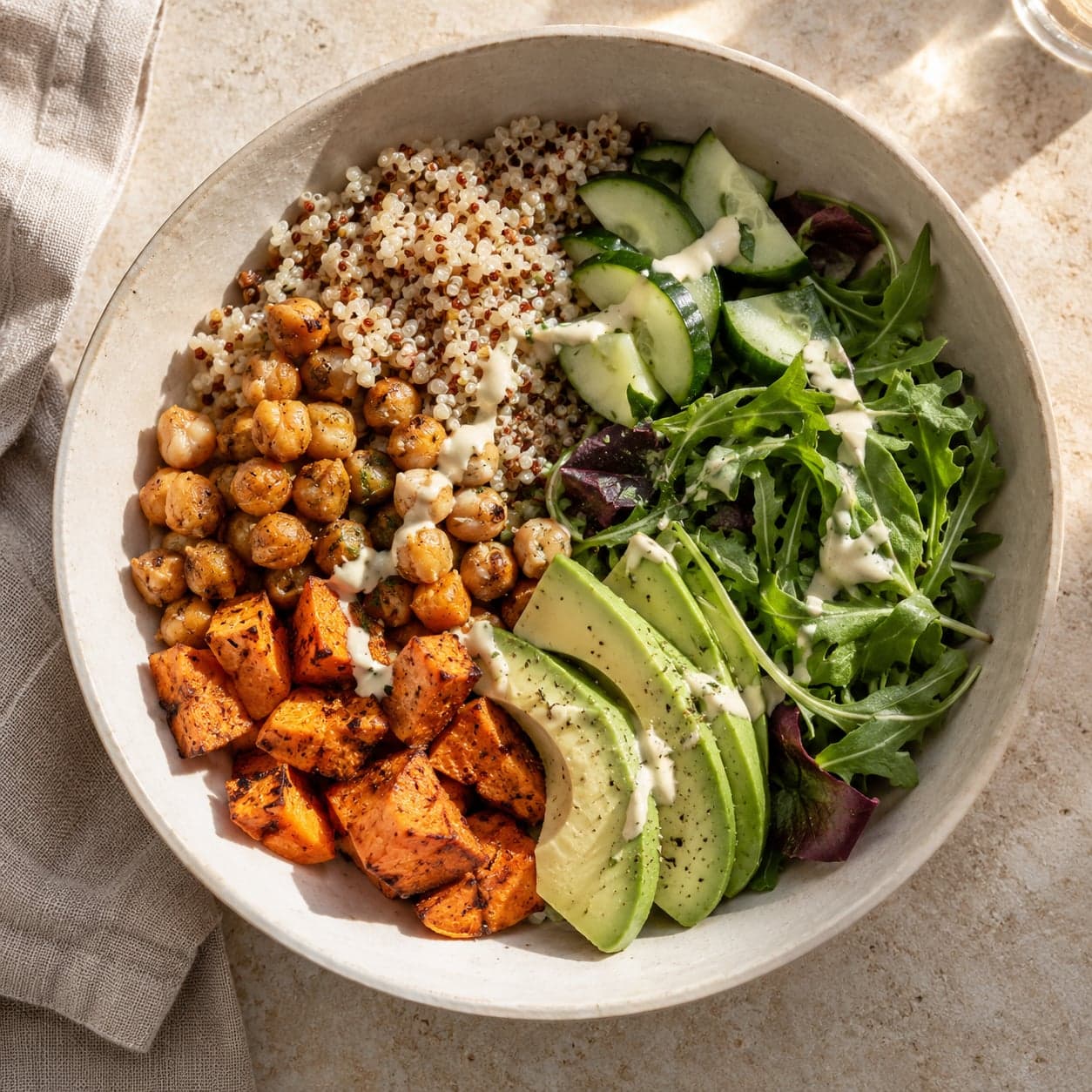
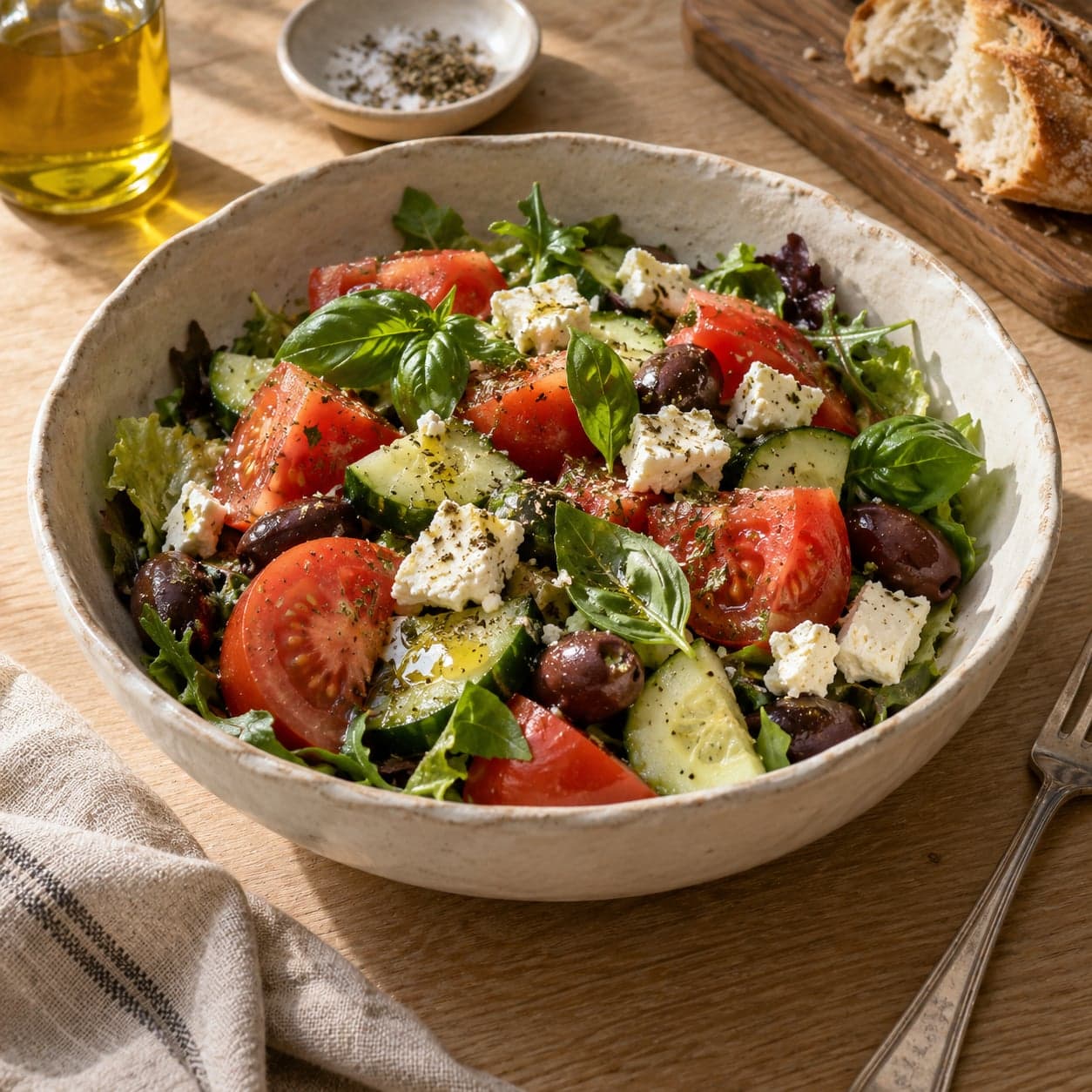
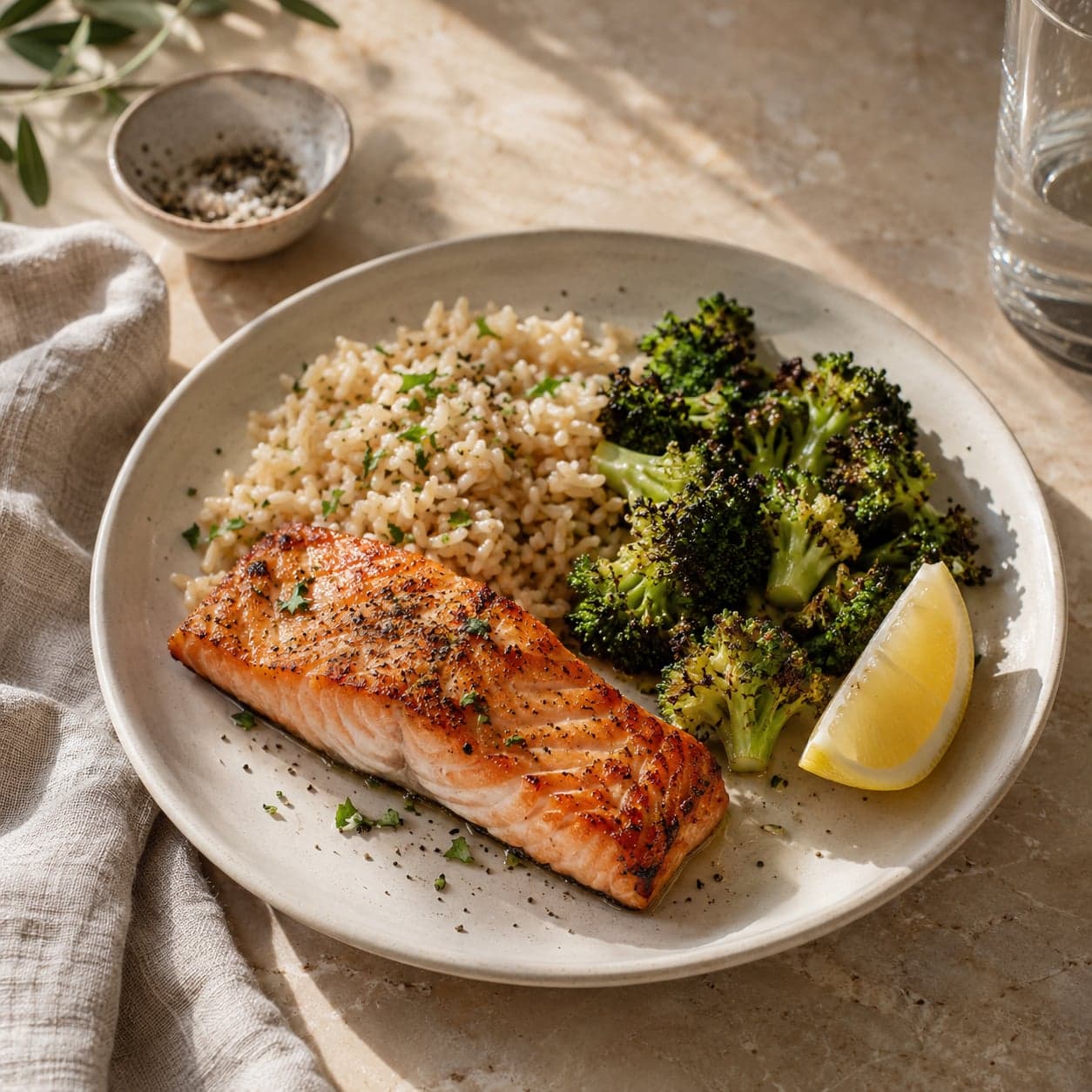
AI assistant · Pro
Ask Claude about your clients.
Connect your assistant over MCP and sign in once. It reads plans, journals and progress under the same access rules as the app, and plan changes wait for your confirmation.
$ claude mcp add --transport http foody-pro https://api.foody-ai.com/api/v1/pro/mcpThen open Claude Code, run /mcp and sign in with your Foody AI Pro account.
 Ready today in Claude Code. ChatGPT, Gemini and Grok are next.
Who are my 3 most consistent clients this month, and who is slipping? For each, show days logged, days on target and weight trend, and suggest one thing I should say to them.
- Used list_clients
- Used get_dashboard
Here is how this month looks:
- 1Aliya K.28/30 days · 82% on target-1.8 kg
- 2Maria S.25/30 days · 74% on target-0.9 kg
- 3Timur B.14/30 days · 41% on target+0.3 kg
Timur slipped after week two. Ask what changed in his schedule before touching the plan.
Works with
Bring the assistant you already use.
Foody AI Pro speaks MCP, the open standard AI assistants use to connect to your tools. Sign in once, and your assistant works with your clients under the same rules as the app.
- Claude
- ChatGPT
- Gemini
- Grok
- Le Chat
- Perplexity
- Copilot
- Raycast
- Goose
- LM Studio
- Manus
- n8n
- Qwen


Claude Code connects today. More assistants follow as they add MCP sign-in.
Built on consent
Your clients stay in control.
Clients see exactly what they share
Journal, plan, goal, profile and quiz answers, from the day they connect. They can stop sharing at any time.
One coach per client
A client works with one coach at a time. Nobody else sees their data.
Gone when sharing stops
When a client stops sharing, their data leaves your workspace immediately. Your feedback stays with them.
Private notes stay private
Your notes are never shown to the client and never passed to AI.
Pricing
Free to coach. Pro to see further.
Start free with every coaching tool. Upgrade when you want analytics across your practice and your AI assistant.
Free
Everything you need to coach your clients' nutrition every day.
$0forever
Start for free- Unlimited clients
- Meal feed with likes and comments
- Needs-attention dashboard
- Plan editing with coach notes
- Weekly AI review per client
- Ready-to-send WhatsApp messages
- Private notes and check-ins
- Personal invite link and QR code
Pro
RecommendedFor professionals who want the full picture and an assistant that knows their clients.
$10/ month
Start with ProEverything in Free, plus
- Analytics over 7, 30 and 90 days
- AI assistant: Claude Code over MCP
- Cancel anytime
FAQ
Questions coaches ask.
Do my clients need the Foody AI app?
Yes. Clients log their meals by photo in Foody AI on iPhone or Android, and Foody AI Pro shows you what they log. Connecting with you is free for them.
Is Foody AI Pro really free?
Yes. The Free plan includes every coaching tool: the meal feed, the needs-attention dashboard, plan editing, weekly AI reviews, ready-to-send WhatsApp messages and private notes, with no client limit. Pro adds analytics and the AI assistant for $10 a month and can be cancelled anytime.
What exactly does a client share with me?
Their food journal and hydration from the day they connect, their nutrition plan, goal, profile and quiz answers. Days before the connection stay private. The client sees this list before accepting and can stop sharing at any time.
Can clients reply to my comments?
Feedback is one way inside the app: clients see your likes and comments on their meals, and a Seen mark tells you when they read them. Conversations continue where they already happen, in WhatsApp, with a drafted message one tap away.
Does it work on my phone?
Yes. Foody AI Pro is a web app built for the phone first, with a desktop layout for longer sessions. It follows your light or dark setting and needs no installation.
What can the AI assistant do?
With Pro you connect Claude Code to Foody AI Pro over MCP. It can list your clients, read their journals, plans and weekly reviews, prepare notes before your next session or an Excel export, and propose plan changes. Every change is shown to you for confirmation before the client sees it.
Which languages are supported?
The app is available in English and Russian. WhatsApp follow-ups are drafted in each client's own language.
How do clients find my link?
From your Invite page: a QR code to show, a link to copy and a Send on WhatsApp button with a ready message. The link opens a page with your photo, profession and headline, then the consent screen in Foody AI.
Bring your first client on board today.
Create your profile in about three minutes. Share one link. See the first meal the moment it is logged.